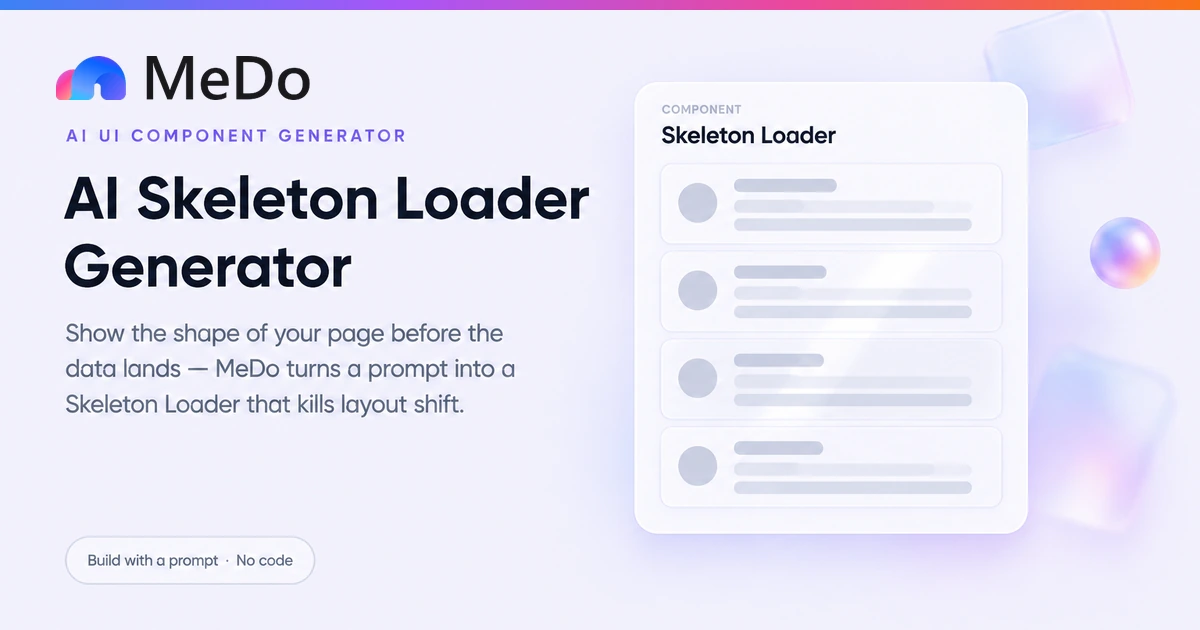
Show the Shape of What Is Coming.

A spinner says something is happening; a skeleton shows what. Describe your card, feed, or table and MeDo generates shimmering placeholder blocks that match the final layout pixel for pixel — reserving the space so nothing jumps when real data arrives, with aria-busy announcing the wait to screen readers.

Skeleton Loader
Skeleton Loader

Skeletons Reserve Space; Spinners Only Apologize

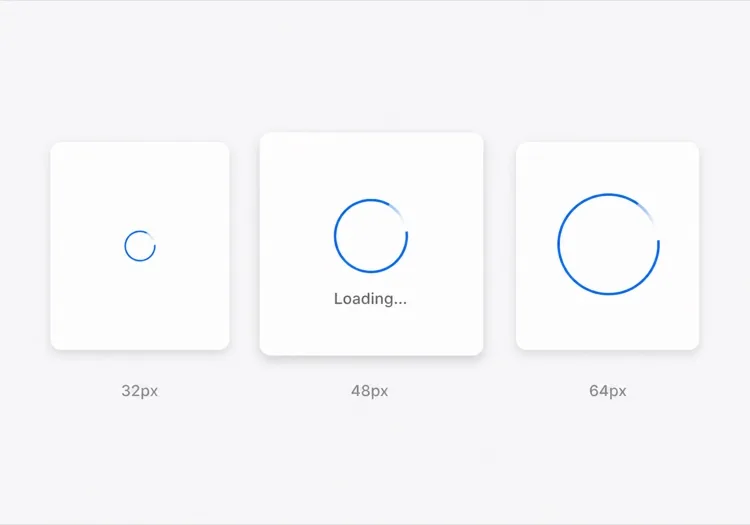
A spinner answers "is it working?" A skeleton answers "what am I about to see, and where will it sit?" That second answer is the one that kills perceived slowness, because the jarring moment in most apps is not the wait itself — it is the instant the content arrives and shoves everything on the page downward, which registers as another load. A skeleton commits to the final geometry before the data exists, so the swap from placeholder to content is visually a nothing event: same position, same proportions, same container. The discipline it forces on you is a virtue too — to draw a skeleton you must decide what the loaded state actually looks like, which means no more "load a spinner, figure the layout out later." Reserve space first, shimmer second, and treat the spinner as the fallback for when you genuinely cannot predict the shape.

4 个模板

可以生成的 Skeleton Loader 模板

每个模板都是真实的提示词,而不是截图。复制到任意 AI 编辑器,或在 MeDo 中运行,直接拿到 React + Tailwind 代码。

BasicFeed Cards

Avatar and Text Feed Skeleton

The canonical skeleton: avatar block, title bar, body lines, repeated down the page. Built for feeds and comment threads where every item has the same shape.

Create a skeleton loading state for a feed of article cards, five placeholder cards in a vertical stack with a 16px gap. Each placeholder mirrors the real card: a 48px rounded-full avatar block, then a column with a 70%-width 16px-tall title bar, a 45%-width subtitle bar, and two full-width 12px-tall body lines, all bg-zinc-200 rounded-lg. Animate a shimmer sweep with a CSS keyframe — a linear-gradient white overlay translating across each block over 1.4s infinite — on a pseudo-element, with prefers-reduced-motion swapping to a static 60% opacity fill. Set aria-busy="true" on the container with a visually hidden "Loading feed" label, mark each block aria-hidden, and render the real cards into this same container on load so the page never reflows.
在 MeDo 中尝试
E-commerceProduct Grid

Aspect-Locked Image Tile Skeleton

Placeholder tiles that hold the grid shape while product photos load at different speeds. Aspect-ratio on the image block is what keeps tiles from resizing.

Create a skeleton state for a 3-column product grid with nine placeholder tiles. Each tile is a rounded-xl card: an image placeholder locked with aspect-ratio 4/5 and bg-zinc-200, then a 14px title bar at 80% width, a 12px price bar at 40% width, and a small pill-shaped button placeholder. Apply the shimmer gradient animation to every block, staggered per column by 150ms so the sweep reads as a wave across the grid rather than a synchronized blink. Keep the grid definition identical between the skeleton and the loaded state so tiles never shift, use container queries or fixed column widths so a late-loading real image cannot resize its tile, and put aria-busy="true" on the grid wrapper.

在 MeDo 中尝试
DataTable Rows

Column-Aligned Table Skeleton

Grey bars aligned to the real column widths, so the table header appears immediately and the data appears to fill in rather than load.

Create a skeleton loading state for a data table with six columns and ten rows. Render the real header row immediately — column labels are known before the data is. Below it, ten placeholder rows each containing six bars of bg-zinc-200 h-4 rounded, with widths matching each column's typical content: 24px for the checkbox column, 60% for the name column, fixed 90px for dates, and so on, all aligned by the same grid template the real rows use. Shimmer on a CSS keyframe with a 0.05s per-row stagger, wrap the table region in aria-busy="true", and on load replace the placeholder rows in the same tbody so column alignment is never recomputed.

在 MeDo 中尝试
Page ShellDetail Page

Full Detail-Page Skeleton

Hero block, heading, meta row, and paragraph placeholders for a single-record view. The navigation and headers render instantly — only the data region shimmers.

Create a skeleton state for a product or profile detail page. Render the app shell — navigation, breadcrumbs, page background — immediately with no placeholder. In the content region, show a 16/9 rounded-2xl hero image block with aspect-ratio, a 60%-width 28px-tall heading bar, a meta row of three 12px bars at 20% width with 24px gaps, and four paragraph lines of full width ending in a 65%-width last line. Shimmer all blocks with the CSS gradient sweep, reduced-motion static fallback included. Set aria-busy on the content region only, not the page, so screen readers keep the shell navigable, and swap the loaded record into the same region container so the scroll position does not move.

在 MeDo 中尝试

如何自定义你的 Skeleton Loader

Trace the real layout, block for block

The skeleton only prevents layout shift if its blocks sit where the loaded elements will sit: same avatar size, same line count, same gaps. Generate it from the actual card or table markup — an approximated skeleton is a spinner made of rectangles.

Keep the shimmer cheap and optional

A translucent gradient sweeping on a CSS keyframe is nearly free; a JavaScript-driven shimmer repaints on every frame. Ask for the CSS version, and pair it with a prefers-reduced-motion rule that swaps the sweep for a static low-opacity fill.

Match the wait to the placeholder

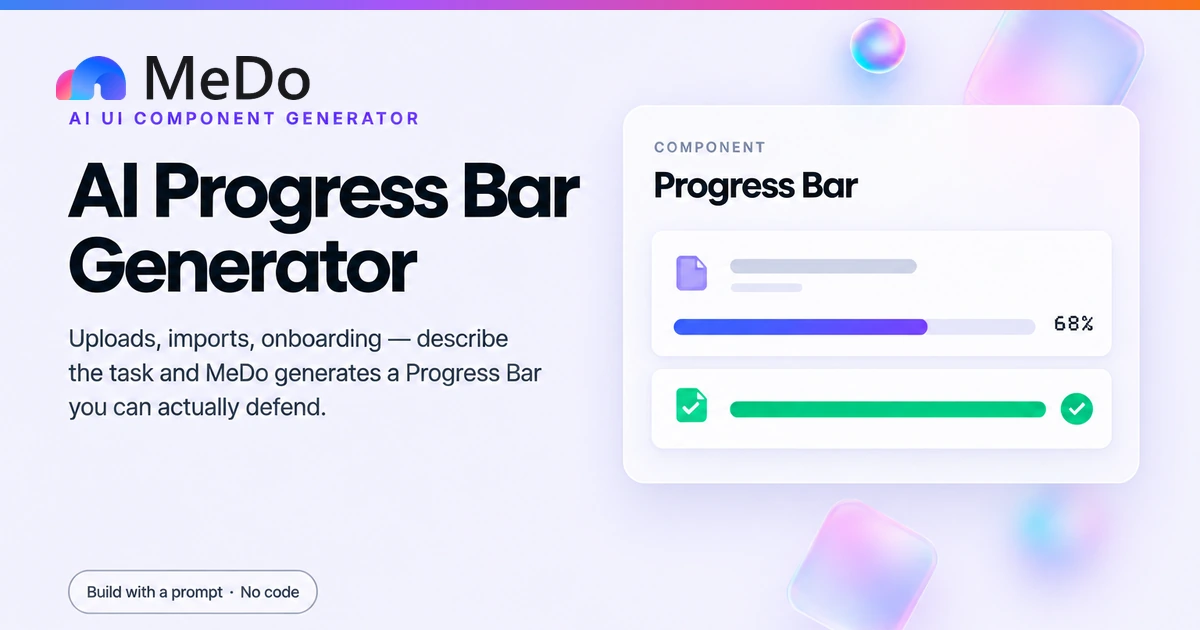
Skeletons earn their keep on waits of roughly 300ms to a few seconds, where the user would otherwise watch a flash of spinner then a flash of content. For sub-100ms responses show nothing at all; for minute-long jobs, pair the skeleton with a determinate progress bar.

Swap content in place, not beside it

Render the skeleton and the loaded content into the same container with the same outer sizing, so the browser never reflows the page around the swap. If the real content is shorter than the skeleton estimated, trim the last block — do not let a fixed skeleton hold open dead space.

谁在使用 Skeleton Loader 组件

Social or news feed

Avatar-plus-text placeholder cards while the feed fetches, matching the loaded card down to the 12px gap between items, so the first paint of real posts is imperceptible.

Dashboard widgets

Chart-sized grey blocks with a title bar for each KPI card, shown during the first data fetch — the skeleton doubles as a wireframe of the dashboard before any numbers exist.

E-commerce product grid

Image-ratio-locked placeholder tiles with a price bar, using aspect-ratio so images that finish loading at different times never reshape the grid.

Profile and detail pages

A hero image block, name bar, and stat row while a single record loads, with the page header and navigation rendered immediately so the shell of the app feels instant.

不同网站的 Skeleton Loader 方案

同一个 skeleton loader 组件,针对它所在网站的类型做调整。

01 / 04

Feeds and Social Timelines

Infinite-scroll lists are where skeletons pay back most: every page of results loads below the fold, and a layout-matched placeholder keeps the user's scroll anchor stable while new items stream in.

Skeleton Loader 的风格与变体

挑选与页面其余部分匹配的变体,然后生成它。

01 / 04

Classic Shimmer Sweep

A translucent white gradient traveling across each block on a loop. The most familiar reading of "content is coming" — familiar enough that users parse it without thinking, which is worth more than novelty here.

在 React、Next.js、Vue 与 Svelte 中使用 Skeleton Loader

React、Next.js、Vue 3、SvelteKit、Astro 或纯 HTML —— 同一个 skeleton loader,六种接入方式。

01 / 03

React Skeleton

A tiny Skeleton primitive plus a conditional in the data container. The key detail is rendering the placeholder and the content into the same wrapper so nothing reflows at swap time.

src/components/Skeleton.tsx

export function Skeleton({ className = '' }: { className?: string }) {
  return (
    <div
      aria-hidden
      className={`animate-pulse rounded-lg bg-zinc-200 ${className}`}
    />
  )
}

{loading ? (
  <div aria-busy="true">
    <Skeleton className="h-12 w-12 rounded-full" />
    <Skeleton className="mt-2 h-4 w-3/4" />
  </div>
) : (
  <ArticleCard post={post} />
)}

如何把 Skeleton Loader 加入项目

四个步骤,从挑选 skeleton loader 模板到上线生产环境。

01~1min

Decide What the Loaded State Looks Like

A skeleton is a trace of your final layout, so settle the card or table structure first: image sizes, line counts, gaps. Guessing the geometry after generation means the skeleton no longer prevents layout shift.

02~10s

Copy the Prompt

Take a template prompt into MeDo and replace the placeholder dimensions with your real ones — avatar size, column widths, number of items. Say explicitly whether you want shimmer, pulse, or a static fill.

03~1min

Generate and Refine

You get React + Tailwind with a live preview. Refine in plain English — "match the gap to 16px", "stagger the shimmer per row", "swap the sweep for a pulse under reduced motion" — rather than hand-editing keyframes.

04~2min

Verify Zero Layout Shift

Load the page on a throttled connection and watch the moment data arrives: nothing on screen should move. Check aria-busy on the loading region, confirm the reduced-motion fallback, and trim any block that consistently holds dead space.

关于 Skeleton Loader 的常见问题

Why use a skeleton instead of a loading spinner?

A spinner communicates only that the app is busy, so the page still jumps when content arrives. A skeleton reserves the exact space the content will occupy and previews its structure, which removes the layout shift and makes the wait feel shorter because the user can see the shape of what is coming. The two are not rivals: the loading-spinner pattern is right when you cannot predict the result shape, and a skeleton is right when you can — which for cards, feeds, and tables is almost always.

How long should a skeleton screen show before switching to a spinner?

A common approach is a two-stage threshold: show nothing for the first 100 to 200ms, then reveal the skeleton if loading continues, and after roughly 8 to 10 seconds switch to a message with a retry action, because a shimmering page at that point reads as broken rather than busy. Ask MeDo to wire the thresholds so the skeleton never flashes for a fast response.

Do skeleton screens hurt accessibility?

They can, if the shimmer blocks are announced as nothing or as a wall of unlabeled images. The fix is semantics, not avoiding the pattern: put aria-busy="true" on the loading region, include a visually hidden label such as "Loading content", and mark decorative blocks with aria-hidden. When content replaces the skeleton in the same container, screen readers re-read the region and users hear the real content arrive.

How do I stop layout shift when real content replaces the skeleton?

Make the skeleton a faithful geometric copy of the loaded state: identical container dimensions, gap values, and image aspect ratios, rendered into the same DOM position. Lock image placeholders with aspect-ratio rather than fixed heights, and cap the skeleton at the height of the viewport so a long feed does not extend the page mid-load. If a block is consistently wrong after launch, adjust the skeleton to match reality — it is a measurement of your layout, not a design asset.

Should every loading state in my app be a skeleton?

No. Skeletons suit waits where the structure is known and stable — lists, cards, detail pages. Use a button-level spinner for actions with unpredictable results such as form submissions, a determinate progress bar for uploads with measurable progress, and no indicator at all under about 100ms. A page where every region shimmers simultaneously feels slower than one where the shell renders instantly and only the data areas show placeholders.