MeDo

Interactive, Anchored, and In the Way of Nothing.

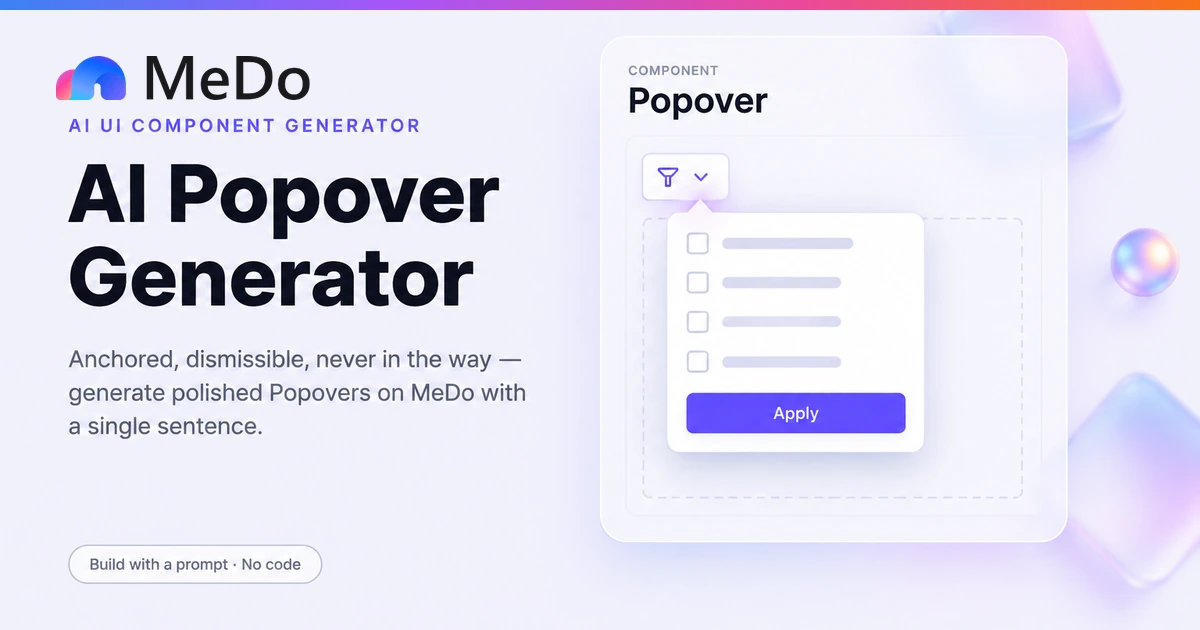
A popover is the middle tier of the overlay hierarchy: interactive like a modal, but it never takes the page hostage. Describe what opens on click — filters, color pickers, user cards, date panels — and MeDo generates a popover that anchors to its trigger, flips and shifts to survive viewport edges, closes on outside click and Escape, and returns focus to the button that opened it when it closes.

Popover
Popover

The Overlay Hierarchy Is a Decision About Taking Control From the Page

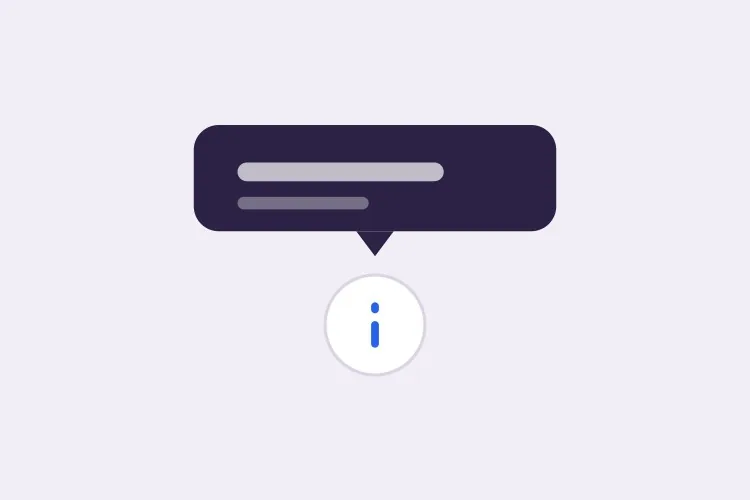
Tooltip, popover, and modal form a ladder of escalating interruption, and most overlay bugs are really misplacements on that ladder. A tooltip is a label: non-interactive, hover-triggered, gone the instant the pointer leaves — it can never hold focus, a form, or a button. A popover is a surface: interactive, click-triggered, but it leaves the page visible and operable behind it, so the user keeps their scroll position, their context, and their escape routes. A modal blocks the page outright and demands a decision. Putting an interactive panel in a tooltip produces an impossible component — content that vanishes when you move toward it. Putting a popover in a modal steals context the user did not need to lose, which is how a two-checkbox filter ends up feeling like a checkout step. The popover is the tier most interfaces underuse, precisely because it asks the most of its implementation: anchoring, collision, dismissal, and focus all have to work before the pattern feels calm instead of glitchy.

4 قالبًا

قوالب Popover التي يمكنك توليدها

كل قالب هو طلب حقيقي لا صورة. انسخه إلى أي محرّر ذكاء اصطناعي، أو شغّله في MeDo لتحصل على كود React و Tailwind مباشرة.

BasicFilter Panel

Anchored Filter Popover

The workhorse: a Filters trigger in a table or grid header opening a checkbox panel. Keeps filter and results on screen together, which is the whole argument against a modal here.

Create a filter popover anchored to a "Filters" button in a table header. The 280px panel holds a "Status" checkbox group with four options and an Apply button, styled with 16px padding, rounded-xl, border and shadow-lg. Position bottom-start with an 8px offset and enable flip and shift collision detection so the panel never leaves the viewport. Open on trigger click with a 150ms scale-fade from the anchor corner, set aria-expanded and aria-controls on the trigger, move focus to the first checkbox on open, and restore focus to the trigger on close. Close on outside pointerdown, on Escape, and on Apply, and show an active-filter count badge on the trigger so state survives the panel being closed. Only one popover open at a time across the header row.

جرّبه في MeDo
ProfileUser Card

Hover-Intent Profile Popover

A mini profile with real buttons that survives the pointer traveling to it. The hover delay and the bridge are what separate this from a tooltip that eats clicks.

Create a user-card popover that opens on hovering or focusing an avatar in a feed. Delay opening by 200ms and closing by 300ms after the pointer leaves, and keep the panel open while the pointer is over it or the gap between avatar and panel — a closing timeout cancelled by pointerenter on either. Because the card contains interactive buttons, a Follow primary and a Message secondary — it must be a popover, not a tooltip: open also on click and on keyboard focus, set aria-expanded on the trigger, and keep it open while focus is inside the panel. Anchor bottom-start with flip and shift collision handling, render at 288px wide with the avatar, name, role line, and two buttons. Close on Escape and return focus to the trigger.

جرّبه في MeDo
EditorColor Picker

Swatch Grid Picker Popover

An editor toolbar popover for picking a value inline. Toggles from the same button, dismisses anywhere, and commits on selection — the fastest possible open-pick-done loop.

Create a color picker popover for an editor toolbar. The trigger is a small swatch button showing the currently selected color; clicking it opens a 224px panel with an 8-by-5 grid of 24px rounded color swatches, a "None" option, and a custom hex input at the bottom. Anchor bottom-start with flip and shift collision detection so the grid never clips at the viewport edge. Selecting a swatch applies immediately with no Apply step and closes the panel; the hex input commits on Enter and keeps the panel open while typing. Set aria-expanded on the trigger and give the grid role="listbox" with arrow-key navigation between swatches. Close on outside click and Escape, restore focus to the trigger, and show a checkmark on the currently selected swatch.

جرّبه في MeDo
DestructiveNested Confirm

Confirmation Popover on a Destructive Button

An "are you sure" layer that lives at the button instead of hijacking the screen with a modal. One click to arm, outside click to disarm, tiny footprint.

Create a two-step destructive-action popover for a "Delete" button in a list row. First click arms it: the button opens a small 240px popover anchored above it containing "Delete this item? This cannot be undone.", a red "Yes, delete" button, and a "Cancel" text button. Confirming deletes the row, shows a toast with an Undo action, and closes the popover; Cancel or any outside click or Escape disarms and returns the row to its normal state, and the button reverts after 4 seconds if untouched. Anchor top-end with flip and shift so the panel stays visible for rows near the bottom of the viewport. Set aria-expanded on the Delete trigger and role="alertdialog" on the panel since it requires a decision, move focus to the "Yes, delete" button on open, and return focus to the trigger on close. No page overlay behind the popover — the surrounding rows stay interactive.

جرّبه في MeDo

كيف تخصّص Popover الخاص بك

Pick the tier before the styling

Ask first: does the content need interaction? If no, it is a tooltip. If yes and the user should keep page context, it is a popover. If the task cannot be abandoned, it is a modal. State the tier in the prompt — generators will happily build a modal and call it a popover.

Ask for flip and shift by name

Positioning is where popovers break: a panel anchored bottom-start clips at the viewport edge unless the implementation flips above the trigger and shifts along the anchor when flipping is not enough. Request collision detection explicitly, and test the trigger nearest the right edge of a narrow window before shipping.

Spec all the dismissal paths

Outside click, Escape, trigger toggle, and task completion should each close the panel. Say which completion action closes it — an Apply button that leaves the popover open forces a second click users resent — and whether clicking another trigger should close its sibling.

Handle focus without trapping it

Move focus into the panel on open and back to the trigger on close, but do not trap Tab inside: trapping is the modal contract, and a popover that cages the keyboard breaks the promise that the page behind stays operable. Arrow-key navigation inside grids like swatch pickers is a separate, additive ask.

من يستخدم مكوّن Popover

Data tables with column filters

A Filters button per column opening a checkbox panel above the table. The popover wins over a modal because users compare results while adjusting — the filter and the filtered data must be visible together.

Rich user and entity cards

Hovering or clicking an avatar opens a mini profile with follow and message buttons. A tooltip cannot hold buttons; a modal would exile the user from the feed they were reading.

Color pickers and formatting tools

Editor toolbars opening swatch grids or emoji pickers anchored to the exact button. Repeated open-close cycles demand instant dismissal via outside click, which modals cannot offer.

Date and range pickers

A calendar panel anchored to a form field, closing on selection or Escape. Anchoring matters most here: the panel must point at its field unambiguously even at the edge of a narrow viewport.

أنماط Popover لمواقع مختلفة

المكوّن popover نفسه، مُهيّأ لنوع الموقع الذي يُنشر عليه.

01 / 04

Analytics and Admin Dashboards

Column filters, date-range pickers, and legend toggles — the dashboard is the popover's home turf, because every one of these tasks needs the chart visible while the panel is open.

أنماط Popover وتنويعاته

اختر التنويعة التي تناسب بقية الصفحة، ثم ولّدها.

01 / 04

Card Panel With Shadow

Rounded corners, a 1px border, and a medium elevation shadow — the standard reading of "a surface temporarily above the page". Keep the shadow moderate; at high elevation a popover starts impersonating a modal.

Popover في React و Next.js و Vue و Svelte

React و Next.js و Vue 3 و SvelteKit و Astro أو HTML صِرف — المكوّن popover نفسه بست طرق للإضافة.

01 / 03

React Popover with Floating UI

Floating UI supplies the collision middleware; the component supplies the semantics. Note the three dismissal listeners and the focus return — the positioning is the easy half.

src/components/FilterPopover.tsx

import { useFloating, offset, flip, shift } from '@floating-ui/react'

const { refs, floatingStyles } = useFloating({
  open, onOpenChange: setOpen,
  middleware: [offset(8), flip(), shift()],
  placement: 'bottom-start',
})

<button ref={refs.setReference} aria-expanded={open}
  aria-controls="filter-panel" onClick={() => setOpen(!open)}>
  Filters
</button>

{open && (
  <div ref={refs.setFloating} id="filter-panel" style={floatingStyles}
    className="w-72 rounded-xl border bg-white p-4 shadow-lg">
    {/* checkboxes */}
    <button onClick={applyAndClose}>Apply</button>
  </div>
)}

كيف تضيف Popover إلى مشروعك

أربع خطوات، من اختيار قالب popover إلى إطلاقه في الإنتاج.

01~1min

Confirm It Is Really a Popover

Check the two questions: does the content need interaction, and should the page stay usable behind it? If both answers are yes you are on the popover tier — if either is no, regenerate as a tooltip or a modal instead.

02~10s

Copy the Prompt

Take a template prompt into MeDo and name the trigger, the anchor side, and the panel contents with your real fields. Say explicitly that you want flip-and-shift collision handling — it is the piece most often left out.

03~1min

Generate and Refine

You get React + Tailwind with a live preview. Refine conversationally — "open on hover with a 200ms delay", "add an active-count badge to the trigger", "dock to a sheet on mobile" — instead of patching the positioning code by hand.

04~3min

Test Edges, Keyboard, and Dismissal

Open every popover near the right and bottom viewport edges and confirm nothing clips. Tab in and out, press Escape, click outside, and click the trigger again. All four dismissal paths and the focus return must work before shipping.

أسئلة شائعة حول Popover

When should I use a popover instead of a tooltip or a modal?

Ask two questions. Can the user interact with the content? If no — it is a label — use a tooltip. Do they need to keep operating the page behind it? If yes, use a popover; if the task demands undivided attention and blocks everything else, use a modal. A filter panel with checkboxes is a popover. A hover definition is a tooltip. A delete confirmation is a modal. The failures come from sliding one tier up or down: interactive content in a tooltip disappears when the pointer moves toward it, and simple confirmations in a modal cost the user their scroll position for no reason.

How do I keep a popover from rendering offscreen near the viewport edge?

Use a positioning engine with collision handling rather than absolute coordinates: the panel measures itself against the viewport, flips to the opposite side of the trigger when it would overflow, and shifts along the anchor edge when flipping is not enough. In React this is what Floating UI's middleware chain does with flip and shift; in plain CSS the newer anchor positioning API can do it natively. The prompt templates here ask for flip-plus-shift explicitly, because a panel clipped at the right edge is the most common popover bug in the wild.

What is the correct way to close a popover?

Four paths, all of which should work: clicking the trigger again to toggle, clicking anywhere outside the panel — a pointerdown listener on the document that checks whether the event landed inside — pressing Escape, and completing the task the popover exists for, such as hitting Apply. Relying on the trigger alone is the common mistake; users do not scroll back up to find the button that opened a panel, they click somewhere near it and expect it to go away.

Should a popover trap focus like a modal does?

No — trapping is the modal's contract, and applying it to a popover breaks the pattern's defining property, that the page behind remains operable. A popover should move focus into the panel on open for keyboard users, support Tab and Shift+Tab through its own controls, return focus to the trigger on close, and — in the strictest reading, using the Invoker Commands API or a well-behaved library — let Tab out of the panel into the page. Trap only when the surface blocks the page, which a popover by definition does not.

Can I use the native popover HTML attribute instead of a library?

Increasingly, yes. The native popover attribute gives you top-layer rendering so no z-index war can bury the panel, light-dismiss on outside click and Escape, and declarative invocation with popovertarget — all without JavaScript. What it does not give you is anchoring: position the panel with CSS anchor positioning where supported, or fall back to a positioning library. Reach for the library directly when you need controlled positioning behavior on older browsers; reach for the native attribute when broad, dependency-free behavior is worth more than fine-grained placement control.

بناء popover الخاص بك الآن.

جرّب أي أمر — مجاني وبدون تسجيل.